

NetSuite Implementation Guide: Process, Costs, Timeline & Checklist
The biggest risk in a NetSuite implementation isn't the technology—it's the gap between how your team works today and how they'll need to work tomorrow. Many organizations pour energy into configuration, integrations, and data migration (all critical), only to stumble because users keep running legacy processes inside a new system.
A NetSuite implementation is the process of planning, configuring, testing, migrating data to, and deploying Oracle NetSuite ERP across a business. Depending on company size, requirements, integrations, and customization, implementation can take anywhere from a few months to a year or more.
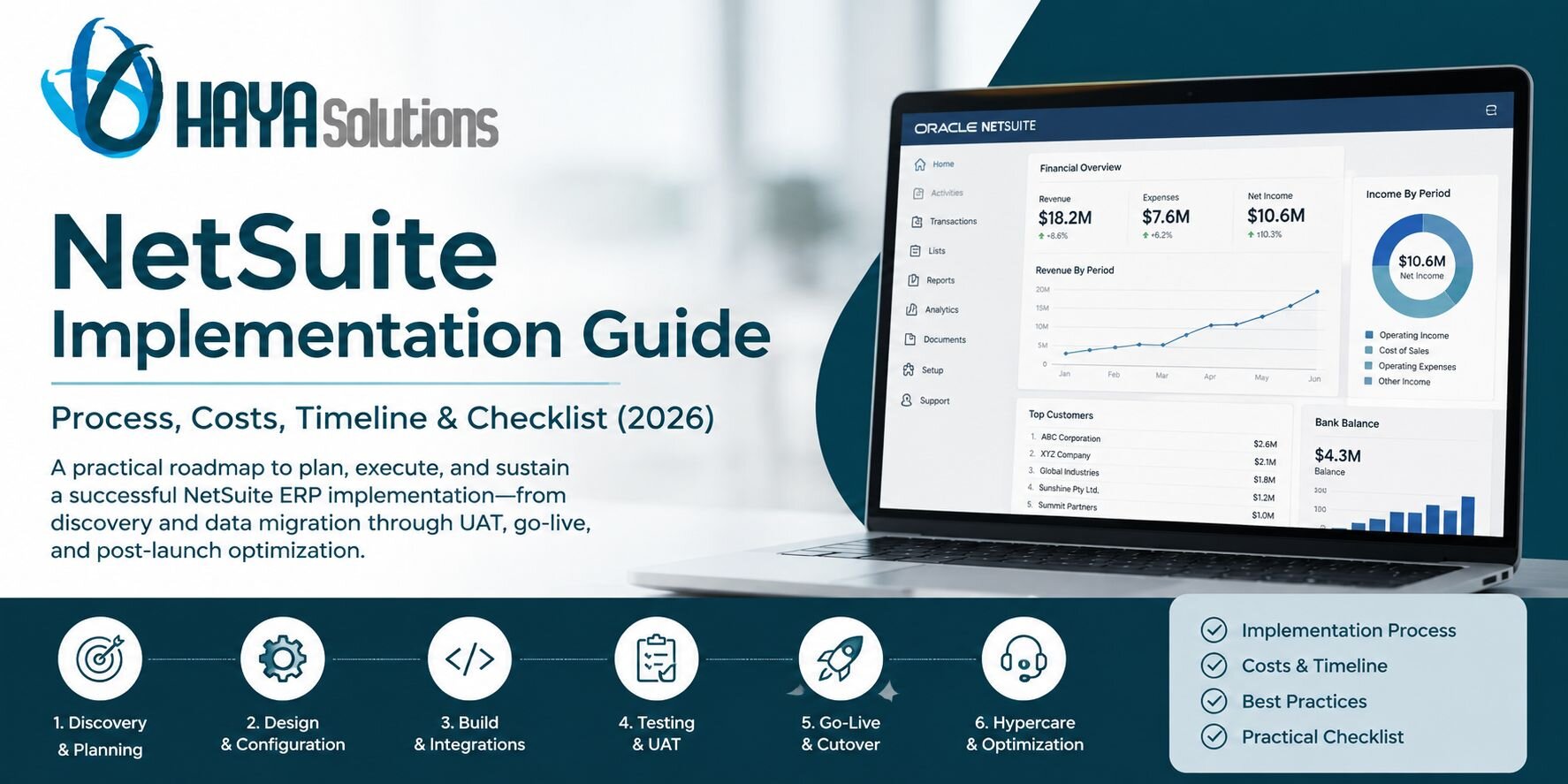
This guide gives you a clear, practical roadmap to plan, execute, and sustain a successful NetSuite ERP implementation—from discovery and data migration through UAT, go-live, and post-launch optimization.
NetSuite Implementation at a Glance
| Typical implementation timeline | 2–12+ months, depending on complexity |
| Common mid-market timeline | 4–6 months |
| Core implementation phases | Discovery, design, build, testing, go-live, hypercare |
| Major cost drivers | Modules, integrations, customization, data migration, company complexity |
| Critical success factors | Clear scope, clean data, executive sponsorship, testing, training, change management |
| Common causes of failure | Scope creep, poor data, over-customization, weak adoption, under-resourcing |
The technology matters. But successful implementation ultimately depends on aligning people, processes, data, controls, and technology around the way the business needs to operate after go-live.
Why NetSuite Implementations Fail (and How to Avoid It)
Most failed ERP projects don't fail because of bugs or bad code. They fail because of people and process gaps.
Common NetSuite implementation challenges include:
- Scope creep: Adding "just one more feature" without assessing the impact on timeline, budget, testing, or dependencies.
- Dirty data migration: Moving duplicate records, outdated information, or inconsistent data formats into NetSuite.
- Over-customization: Building complex scripts and custom workflows when standard NetSuite configuration would work.
- Weak change management: Training users on screens without clarifying which old behaviors and processes must stop.
- Under-resourced internal team: Expecting the NetSuite implementation partner to do everything while internal employees remain focused entirely on day-to-day operations.
- Insufficient testing: Validating individual features without testing complete business processes and real-world exceptions.
- Unclear ownership: Failing to establish who makes decisions, approves requirements, validates data, and signs off on go-live readiness.
The fix? Treat NetSuite implementation as an operating-model change, not just a system replacement.
Your implementation plan should answer two questions at the same time:
- How should NetSuite be configured?
- How should the business operate once NetSuite is live?
Ignoring the second question is how companies end up recreating yesterday's problems inside tomorrow's ERP.
What Is the NetSuite Implementation Process?
A typical NetSuite implementation process can be divided into six core phases:
- Discovery and planning
- Design and configuration
- Build and integrations
- Testing and User Acceptance Testing (UAT)
- Go-live and cutover
- Post-go-live hypercare and optimization
The exact sequence and duration will depend on your organization, modules, integrations, data complexity, geographic footprint, and customization requirements.
For a mid-market organization, a 4–6 month NetSuite implementation timeline is common, while simpler projects may move faster and complex multi-entity implementations can take considerably longer.
NetSuite Implementation: 6 Phases Explained
Phase 1: Discovery & Planning (2–4 Weeks)
This is where you set the foundation for the entire NetSuite implementation.
Key activities include:
- Interview every department that will use NetSuite, including finance, operations, sales, warehouse, and support.
- Document current workflows and identify what changes versus what stays.
- Map your chart of accounts, item hierarchy, and customer/vendor structures.
- Define business goals and KPIs, such as faster month-end close or improved inventory accuracy.
- Identify reporting and compliance requirements.
- Create an initial inventory of integrations and data sources.
- Assemble your internal project team and secure executive sponsorship.
- Define project governance, responsibilities, and decision-making authority.
Pro tip: Start data cleanup now. Don't wait until migration to discover duplicates, missing fields, inconsistent naming conventions, or records nobody actually needs.
Phase 2: Design & Configuration (2–4 Weeks)
During design and configuration, your implementation team translates business requirements into a working NetSuite system design.
- Configure NetSuite modules such as financials, inventory, CRM, order management, or other required functionality.
- Define roles, permissions, subsidiaries, departments, locations, and classifications.
- Build workflow automations such as approval routes, notifications, and saved searches.
- Plan integrations with eCommerce, CRM, shipping, payments, EDI, or other systems.
- Create a data migration strategy defining what to migrate, what to archive, and how information will be validated.
- Define reporting, dashboard, and KPI requirements.
- Document gaps between standard NetSuite functionality and business requirements.
Pro tip: Configure before you customize. NetSuite is highly flexible out of the box—every unnecessary script you avoid is maintenance you won't carry later.
Customization should solve a genuine business requirement, not preserve a legacy process simply because "that's how we've always done it."
Phase 3: Build & Integrations (3–8 Weeks)
This is the heavy-lifting phase of the NetSuite implementation process.
The team begins turning the approved design into a functioning environment.
- Develop custom SuiteScript or SuiteFlow functionality when standard features don't meet business needs.
- Build and test integrations in sandbox environments.
- Configure forms, workflows, roles, permissions, and automation.
- Load sample data and run end-to-end process tests.
- Validate accounting postings, inventory balances, and reporting accuracy.
- Test exception scenarios and integration failures.
- Refine configuration based on early testing results.
Pro tip: Test with real scenarios, not idealized fake data. Use representative customer orders, purchase transactions, returns, credits, adjustments, and edge cases your team actually encounters.
The weird transaction that happens twice a year has an uncanny ability to appear three days after go-live.
Phase 4: Testing & User Acceptance Testing (2–4 Weeks)
User Acceptance Testing (UAT) is where actual business users validate that NetSuite supports the processes they will perform after launch.
This should go beyond checking whether individual screens or buttons work.
Your UAT plan should include:
- Run core processes end-to-end, including order-to-cash, procure-to-pay, and record-to-report.
- Test business exceptions and edge cases.
- Log bugs and configuration issues, prioritize fixes, and retest.
- Validate migrated data in sandbox before production cutover.
- Confirm financial reports and balances.
- Test user roles and permissions.
- Validate critical integrations.
- Train users by role and business process, not simply by menu navigation.
Pro tip: Require formal sign-off from department heads or process owners before moving to go-live. This creates accountability and reduces post-launch surprises.
A user saying "looks good" during a meeting is not the same thing as documented UAT approval.
Phase 5: Go-Live & Cutover (About 1 Week)
The moment of truth.
NetSuite go-live is the point when your organization transitions from legacy systems and processes to the production NetSuite environment.
Key cutover steps include:
- Freeze implementation scope.
- Finalize the cutover runbook.
- Confirm user access and permissions.
- Complete final data extraction and migration.
- Reconcile financial balances and critical operational data.
- Validate integrations.
- Confirm users have completed required training.
- Open the production environment for business.
- Provide hypercare support.
- Monitor integrations, accounting postings, transactions, and user issues in real time.
Your cutover runbook should identify what happens, when it happens, who owns it, how completion is verified, and what happens if the step fails.
Pro tip: Have a rollback or contingency plan. If something business-critical breaks, you need a clear response path within hours, not days.
Phase 6: Post-Go-Live Hypercare & Optimization (4–8 Weeks)
Go-live isn't the finish line.
The first 30–60 days after launch are critical because this is when real transactions, real users, and real operational pressure expose issues that controlled testing may not have uncovered.
During NetSuite hypercare:
- Run regular triage meetings to resolve issues quickly.
- Prioritize problems based on business impact.
- Reinforce training and address knowledge gaps.
- Monitor integrations and automation.
- Track implementation KPIs.
- Adjust workflows where needed.
- Identify unnecessary manual workarounds.
- Document lessons learned.
- Build a roadmap for Phase 2 enhancements and optimization.
Potential future improvements might include advanced modules, additional integrations, reporting improvements, automation, or process redesign.
Pro tip: Include post-launch stabilization and optimization in your original implementation budget. Treating go-live as the end of the project can leave teams without enough resources to stabilize the new operating environment.
The "Stop, Start, Continue" Change Management Trick
One of the most effective ways to bridge the gap between old and new ways of working is the "Stop, Start, Continue" process map.
Do this exercise with business users—not just the implementation team—for every major department and business process before go-live.
| Category | What It Means | Example |
|---|---|---|
| Stop | Legacy practices, spreadsheets, workarounds, and duplicate approvals that must end. | No more manual journal entries outside NetSuite. |
| Start | New ERP workflows, controls, roles, and responsibilities that must begin. | All purchase orders require NetSuite approval routing. |
| Continue | Proven business practices that should remain even though the system changes. | Weekly inventory cycle counts stay in place. |
This simple exercise does three important things:
- Makes process changes visible to everyone.
- Prevents old workarounds from being recreated in the new ERP.
- Helps employees understand not only how the new system works, but why their daily responsibilities are changing.
It also gives managers something more useful than a generic training plan: a concrete description of what employees should do differently on day one.
How Much Does a NetSuite Implementation Cost?
There is no single fixed NetSuite implementation cost.
The total depends on company size, implementation scope, number of entities, modules, integrations, customization, data migration requirements, internal resources, and change-management needs.
Indicative implementation ranges can vary substantially:
- Smaller, relatively simple implementations: approximately $25,000–$75,000 for implementation services, depending on scope.
- Mid-market implementations: approximately $75,000–$250,000, particularly as multi-company requirements, integrations, or more complex processes are added.
- Large or highly complex implementations: $250,000–$500,000+ where substantial customization, multiple entities, integrations, or transformation work is involved.
These figures should be treated as planning ranges rather than quotes. NetSuite licensing and implementation services are separate cost considerations, and actual pricing should be validated against your requirements and current provider proposals.
What Drives NetSuite Implementation Cost?
The biggest cost drivers typically include:
- Number and complexity of NetSuite modules
- Number of legal entities, subsidiaries, locations, and currencies
- Data volume and data quality
- Number and complexity of integrations
- Custom SuiteScript or workflow requirements
- Historical data migration requirements
- Reporting and analytics complexity
- Internal process redesign
- Testing requirements
- User training and change management
- Post-go-live support
The cheapest implementation proposal isn't necessarily the lowest-cost implementation.
Cutting discovery, testing, data preparation, or training can simply move costs from the implementation phase into expensive post-launch remediation.
How Long Does a NetSuite Implementation Take?
A typical NetSuite implementation timeline ranges from approximately 2–12+ months, depending on project complexity.
As a general planning framework:
- Simple implementation: approximately 2–3 months
- Typical mid-market rollout: approximately 4–6 months
- Complex or multi-entity implementation: approximately 6–12 months or more
The calendar alone doesn't determine implementation success.
A four-month project with fast decision-making, clean data, engaged process owners, and controlled scope can be more realistic than a six-month project plagued by delayed approvals, shifting requirements, and unresolved data issues.
What Can Extend the Timeline?
- Scope changes after design approval
- Complex historical data migration
- Poor source-data quality
- Multiple third-party integrations
- Heavy customization
- Limited availability of internal subject-matter experts
- Delayed business decisions
- Failed UAT cycles
- Changes in accounting or operational requirements
- Inadequate user training or go-live readiness
Build contingency into the project plan rather than assuming every milestone will happen perfectly on schedule. ERP projects have a sense of humor about perfectly constructed spreadsheets.
NetSuite Pre-Implementation Checklist: 8 Things to Do Before You Sign
Before committing to a NetSuite implementation approach or partner, make sure you have:
- Documented current-state processes. Capture actual business processes rather than creating a list of requested features.
- Committed internal team roles. Identify process owners and give them dedicated time for the project.
- Defined your data migration scope. Decide what to migrate, what to archive, what requires cleaning, and who validates it.
- Created a complete integration list. Include eCommerce, CRM, payments, shipping, EDI, banking, payroll, tax, and other relevant systems.
- Built three-year budget assumptions. Consider licensing, implementation, integrations, internal resources, support, and optimization.
- Established a realistic timeline. Avoid critical business periods where possible and account for internal resource availability.
- Defined implementation-partner selection criteria. Consider industry experience, references, methodology, technical capabilities, and post-launch support.
- Created go-live readiness criteria. Define what must be true before launch, including data validation, UAT approval, integration testing, user training, and contingency planning.
A useful rule: don't start implementation with questions you could reasonably answer before implementation starts.
Choosing the Right NetSuite Implementation Partner
Your NetSuite implementation partner can have a major impact on project risk, timeline, cost, and long-term system maintainability.
Look for:
- Industry expertise: Experience with organizations and business processes similar to yours.
- Relevant NetSuite experience: Knowledge of the modules, integrations, and technical capabilities required for your implementation.
- Proven methodology: Clear phases, milestone gates, responsibilities, deliverables, and escalation procedures.
- References you can call: Ask for recent clients with comparable complexity rather than references from unrelated projects.
- Change-management support: Look beyond technical configuration to training, process redesign, and user adoption.
- Strong data-migration practices: Data should have defined owners, validation procedures, and reconciliation requirements.
- Transparent customization philosophy: Your partner should be able to explain why customization is necessary and what it will cost to maintain.
- Post-go-live optimization: There should be a plan for stabilization and continuous improvement rather than "we're done at launch."
NetSuite Implementation Partner Red Flags
Be cautious of partners who:
- Promise unusually fast timelines without detailed discovery.
- Provide vague estimates with poorly defined assumptions.
- Discourage internal team involvement.
- Treat data migration as an afterthought.
- Push heavy customization before exploring standard functionality.
- Don't define UAT ownership and acceptance criteria.
- Have no clear post-go-live support model.
A strong implementation partner shouldn't simply agree with every request. Sometimes the most valuable answer you'll hear is: "You can build that, but you probably shouldn't."
NetSuite Implementation Best Practices
Across the entire project, several practices consistently reduce implementation risk:
- Define measurable business outcomes before configuration begins.
- Assign internal process owners with authority to make decisions.
- Clean data early rather than immediately before migration.
- Use standard NetSuite functionality wherever it reasonably meets the requirement.
- Control scope through formal change management.
- Test complete business processes, including exceptions.
- Train employees around their roles and workflows.
- Reconcile critical data before and immediately after go-live.
- Plan hypercare before launch rather than after problems appear.
- Treat implementation as the beginning of continuous ERP optimization.
These practices sound straightforward. The difficult part is maintaining them when deadlines get tight and somebody suddenly remembers a "small requirement" nobody mentioned during discovery.
NetSuite Implementation FAQ
What is a NetSuite implementation?
A NetSuite implementation is the process of configuring and deploying Oracle NetSuite ERP to support an organization's financial and operational processes. It typically includes discovery, system design, configuration, integrations, data migration, testing, user training, go-live, and post-launch support.
What are the main phases of NetSuite implementation?
A typical NetSuite implementation includes six phases: discovery and planning, design and configuration, build and integrations, testing and UAT, go-live and cutover, and post-go-live hypercare.
How long does a NetSuite implementation take?
Simple NetSuite implementations may take approximately 2–3 months, while a typical mid-market rollout may require around 4–6 months. Complex, multi-entity implementations can take 6–12 months or longer, depending on scope, integrations, customization, and data complexity.
How much does NetSuite implementation cost?
Implementation costs vary considerably. Smaller projects may fall in the tens of thousands of dollars, while complex implementations can reach several hundred thousand dollars or more. Integrations, customization, data migration, business complexity, training, and project scope are major cost drivers.
What is the biggest risk in a NetSuite implementation?
One of the biggest risks is failing to align people and processes with the new ERP. A technically sound NetSuite environment can still struggle if users continue legacy processes, maintain shadow spreadsheets, or don't understand new responsibilities and controls.
Do you need a NetSuite implementation partner?
Not every organization requires the same level of external assistance, but many companies use an experienced NetSuite implementation partner for configuration, data migration, integrations, customization, project management, training, and go-live support. The appropriate model depends on your internal NetSuite expertise and project complexity.
What should be included in a NetSuite implementation plan?
A strong implementation plan should cover scope, business requirements, project governance, system design, integrations, data migration, testing, UAT, training, change management, cutover, go-live criteria, contingency planning, and post-launch support.
What happens after NetSuite goes live?
After go-live, the project typically moves into a hypercare period where teams monitor transactions and integrations, resolve issues, reinforce training, validate KPIs, and stabilize processes. Once the system is stable, organizations can move into ongoing optimization and future enhancements.
Final Thoughts: ERP Transformation Is an Operating-Model Change
NetSuite implementation is not just a system replacement. It's an operating-model change involving people, processes, data, controls, technology, and accountability.
The best implementations don't simply train users on new screens. They clearly define which old behaviors must disappear, which new processes must begin, and which proven practices should continue.
If you take one thing from this guide, let it be this:
Complete the "Stop, Start, Continue" exercise with business users before go-live.
It's a simple way to make process change tangible and reduce the risk of employees recreating legacy workarounds inside NetSuite.
Successful NetSuite implementation isn't about getting the software live as quickly as possible. It's about building a system—and an operating model—that your organization can actually use, maintain, and improve after the implementation team leaves.
Ready to start your NetSuite implementation? Use this guide as your blueprint, involve your team early, establish clear ownership, clean your data before migration, and treat implementation as a business transformation—not just an IT project.

